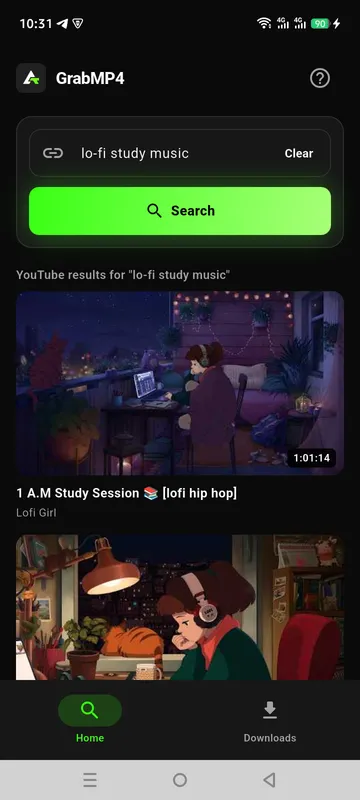
The GrabMP4 app brings everything from this website to your phone, and adds the things a browser can’t do well. Search YouTube by name or paste a link from any supported site, watch the video in the built-in player, then download it in the exact quality you want.
What the app does
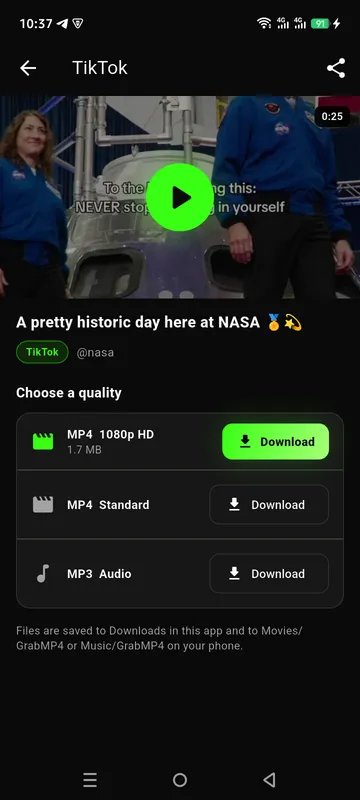
- Every quality in one list: 4K, 1440p, 1080p, 720p, 480p and 360p MP4, plus MP3 and M4A audio, each with its file size.
- Share straight from other apps: tap Share in YouTube, TikTok, Instagram or Facebook and pick GrabMP4. The video opens ready to download.
- Built-in player with quality switch, 10-second skip and full screen, so you can check the video before you save it.
- Downloads keep running in the background with a progress notification, even when you leave the app.
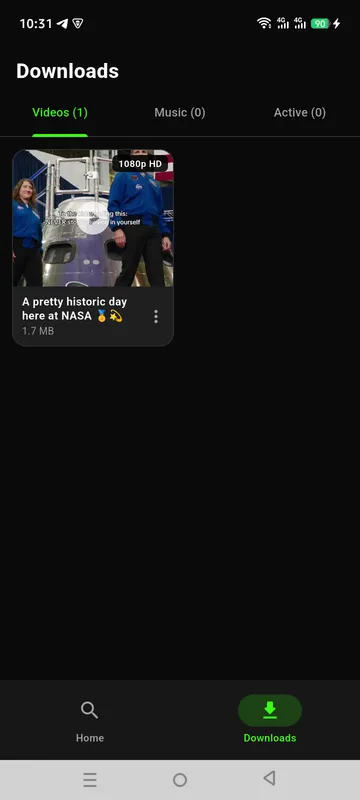
- A gallery of everything you saved, with separate tabs for videos and music.
- A home feed with popular videos for your country.
Installing an APK safely
Download the app only from grabmp4.net. Android warns about every app installed outside Google Play; that is normal. After installing, you can turn the “install unknown apps” permission off again for your browser. GrabMP4 asks only for notifications, so it can show download progress.
Updates
When a new version is released, the app tells you and installs the update with one tap. You never need to look for a newer APK yourself.
Use the app for your own videos and for content you have permission to save.